Optimize initialization and ad loading
This guide describes how to optimize initialization and ad loading in your Godot project.
Update your Google Mobile Ads settings
The Google Mobile Ads Godot Plugin enables optimization by default, and instructs the SDK to perform initialization and ad loading tasks on background threads.
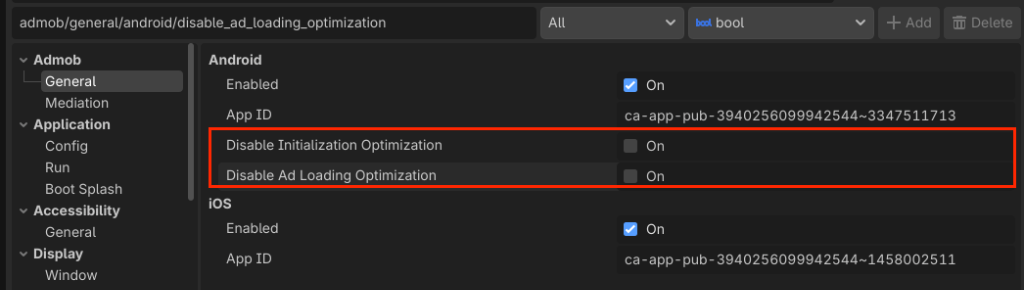
The following flags are available under Godot Project Settings:
- Disable initialization optimization
- Disable ad loading optimization
Check these settings to instruct the SDK to initialize and load ads on the main thread:
| Setting | Behavior |
|---|---|
| Disable Initialization Optimization | Disables optimizing the MobileAds.initialize() initialization call. |
| Disable Ad Loading Optimization | Disables optimizing the ad loading calls for all ad formats. |
You can access the Google Mobile Ads settings through the Godot Project Settings menu:
Project > Project Settings > Admob > General > Android
Once selected, the settings UI appears under the Android section: